Professional call handling
Plan business greetings, department routing, queues, and voicemail around the people callers need to reach.
Explore business VoIP primarily through Nextiva, with access to all major providers. Choose a phone setup around your people, locations, and everyday conversations.
Plan business greetings, department routing, queues, and voicemail around the people callers need to reach.
Compare device and application options for staff in the office or working across supported devices.
Explore business messaging and AI receptionist options alongside calling, based on your chosen platform.
Review transfer eligibility, service requirements, and the timing of your move before changing providers.
Services, features, availability, and integration options depend on your provider, plan, and configuration.
Think through how a new inquiry, an existing customer, and an after-hours caller should be handled. Crovely helps turn those needs into a practical provider and setup comparison.
Choose a phone around your workspace and calling needs, with Crovely’s guidance on provider compatibility and setup.
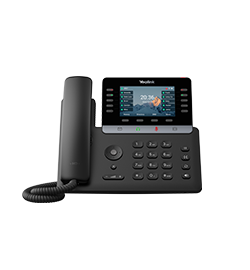
A desk-phone option to discuss for your office calling setup.
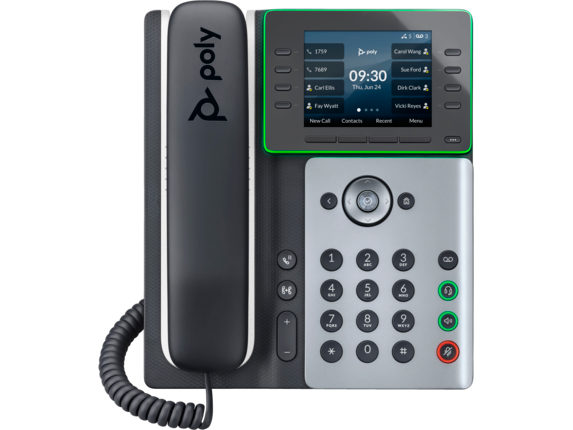
A business desk-phone option for staff and office workspaces.
Nextiva is our primary VoIP partner, and we also have access to sell all major VoIP providers.
We help check number transfer eligibility and plan the transition before a service change.
Device support depends on the model, firmware, and selected provider. We review compatibility before recommending a setup.
VoIP focuses on voice calling over an internet connection. UCaaS brings calling together with broader collaboration tools such as messaging and meetings.
Talk with Crovely about business voip for your business or organization.