Business calling
Explore voice services, department routing, voicemail, and number transfer options as part of your platform choice.
Unified Communications as a Service brings calling and collaboration into a cloud platform. Compare providers around your users, workspaces, and day-to-day communication.
Explore voice services, department routing, voicemail, and number transfer options as part of your platform choice.
Compare collaboration features against the tools your staff use and the workflows you want to simplify.
Review supported desk phones and applications for office staff, remote users, and multiple locations.
Explore Microsoft Teams and other supported integration options, checking compatibility and licensing before choosing a platform.
Services, features, availability, and integration options depend on your provider, plan, and configuration.
A receptionist, an office worker, and a remote employee may need different devices and features. We help review those roles so you can compare a realistic setup and the associated service requirements.
Choose a phone around your workspace and calling needs, with Crovely’s guidance on provider compatibility and setup.
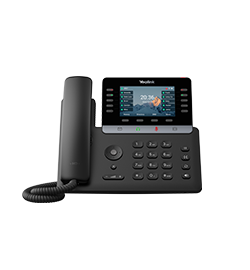
A desk-phone option to discuss for your office calling setup.
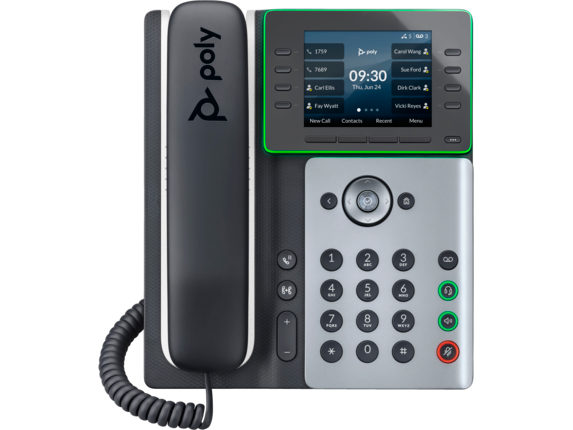
A business desk-phone option for staff and office workspaces.
Unified Communications as a Service: cloud-delivered communication tools that can combine business calling, meetings, and messaging.
No. Features, bundles, supported devices, and integrations vary by provider and plan.
Many platforms offer multi-location options. We help review location-specific numbers, users, call flows, and requirements.
Integration options depend on the provider, Microsoft licensing, and intended setup. We help evaluate compatibility.
Talk with Crovely about ucaas for your business or organization.